FOR PROFESSIONALS
Remove the limits. Keep everything else.
- Commercial & business use
- Auto updates
- Priority technical support
- No ads
Get Pro
Already purchased? Download Pro
Release Notes
v7.6.2
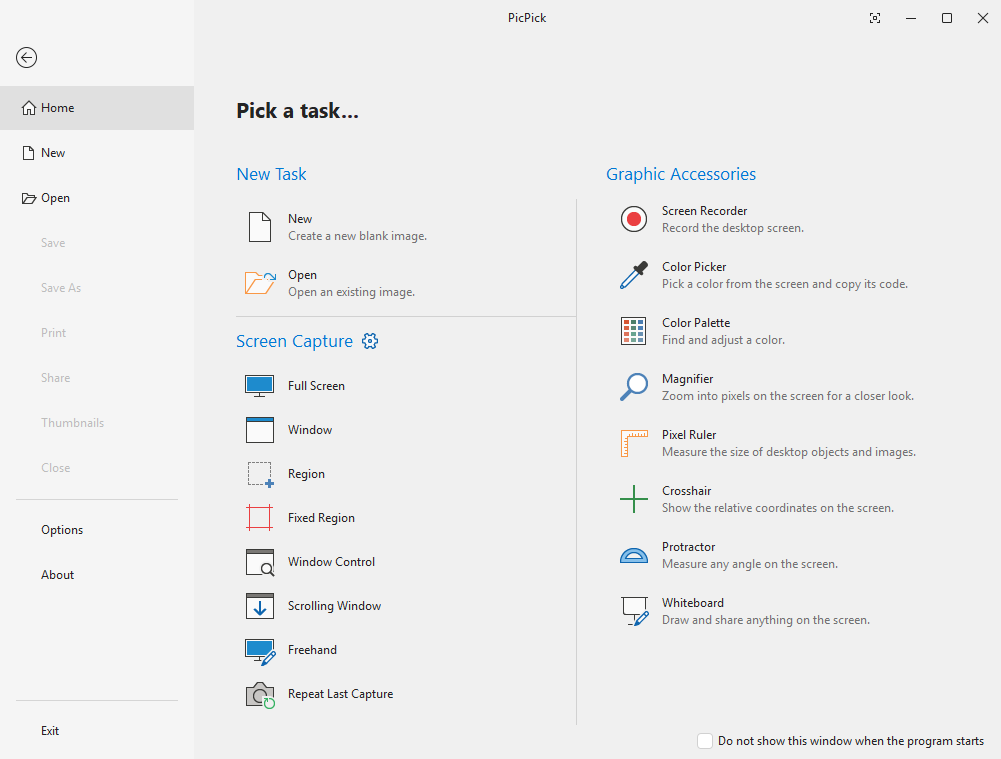
- Improved Scrolling Window capture: adjust the scroll area before starting, see live progress while capturing, and get more reliable results.
- Added more frame styles, including a Torn Edge effect.
- Screen Recorder: added an option to turn off the countdown before recording starts.
- Screen Recorder: recording now continues without audio when an audio device cannot be opened.
- Screen Recorder: a clear message is shown when there is not enough memory or the output folder cannot be created.
- Fixed input errors in the color picker when an IME is active.
- Other minor bug fixes.
Versions
Stablev7.6.2
Betav8.0.0-beta11
System Requirements
Operating SystemAll Windows versions
Architecturex86 / x64
RAM512 MB or more
Storage~250 MB


PICPICK
Every screen tool you need, in one place.
Copyright© NGWIN All rights reserved.
FOR PROFESSIONALS
Remove the limits. Keep everything else.
- Commercial & business use
- Auto updates
- Priority technical support
- No ads
Get Pro
Already purchased? Download Pro
Release Notes
v7.6.2
- Improved Scrolling Window capture: adjust the scroll area before starting, see live progress while capturing, and get more reliable results.
- Added more frame styles, including a Torn Edge effect.
- Screen Recorder: added an option to turn off the countdown before recording starts.
- Screen Recorder: recording now continues without audio when an audio device cannot be opened.
- Screen Recorder: a clear message is shown when there is not enough memory or the output folder cannot be created.
- Fixed input errors in the color picker when an IME is active.
- Other minor bug fixes.
Versions
Stablev7.6.2
Betav8.0.0-beta11
System Requirements
Operating SystemAll Windows versions
Architecturex86 / x64
RAM512 MB or more
Storage~250 MB
PICPICK
Every screen tool you need, in one place.
Copyright© NGWIN All rights reserved.